When Your Needs Change: How to Make Sure Your Internet Still Fits Your Family’s Needs

When Your Needs Change: How to Make Sure Your Internet Still Fits Your Family’s Needs
In most American households, a reliable and fast internet connection has become as essential as electricity. Streaming, remote work, online gaming, virtual learning, and smart home devices all depend on a strong connection — and what worked a few years ago might not be enough today. As your family’s habits evolve, it’s important to make sure your internet plan keeps up. Here’s how to ensure your connection still fits your family’s lifestyle.
Map Out Your Family’s Internet Habits
Start by taking a close look at how your household uses the internet. How many devices are connected? How many people stream movies or shows at the same time? Does anyone work from home or play online games that require low latency?
Make a quick overview of:
- Number of users and devices – include laptops, tablets, smartphones, smart TVs, gaming consoles, and smart speakers.
- Usage patterns – do you mostly stream in HD or 4K, download large files, or just browse and check email?
- Peak usage times – do you notice slower speeds in the evening when everyone’s online?
Once you understand your household’s usage, it’s easier to decide whether your current speed and plan are still a good fit.
Choose the Right Speed
Internet speed, measured in megabits per second (Mbps), determines how quickly data can be uploaded and downloaded. A larger household with multiple users and devices will need more bandwidth than a single person who mostly browses the web.
As a general guideline:
- 25–50 Mbps: Suitable for one or two users who stream in standard or HD quality and browse the web.
- 100–300 Mbps: A good choice for a small family with several devices and multiple HD streams.
- 500 Mbps–1 Gbps or higher: Ideal for larger families, 4K streaming, online gaming, and remote work with video calls.
Don’t forget about upload speed — it’s especially important if you work from home, upload videos, or use cloud storage.
Check Your Connection Type and Coverage
Not all internet technologies deliver the same performance. Fiber-optic internet typically offers the fastest and most reliable connection, with symmetrical upload and download speeds. Cable internet is widely available and can be very fast, though speeds may fluctuate during peak hours. DSL is slower and less common today, while fixed wireless and 5G home internet can be good alternatives in rural or underserved areas.
Check which options are available at your address. Many providers offer online coverage maps or availability tools. If fiber isn’t available yet, it may be worth asking your provider if there are plans to expand service in your area.
Think About Future Needs
Your internet needs don’t just change with the number of people in your home — they also shift with your lifestyle. Maybe your kids are starting to stream more, or you’re working from home more often. Smart home devices, security cameras, and voice assistants also add to your bandwidth demands.
Consider what’s coming in the next few years:
- Are more people moving in or staying home more often?
- Are you planning to upgrade to 4K TVs or add more smart devices?
- Will you need more bandwidth for remote work, online classes, or gaming?
By planning ahead, you can avoid the hassle of switching plans too often.
Optimize Your Home Network
Even the fastest internet plan can feel slow if your home Wi-Fi isn’t set up properly. Router placement, interference, and outdated equipment can all affect performance.
- Place your router centrally and away from walls or large metal objects.
- Update your equipment – older routers may not support modern speeds or Wi-Fi standards.
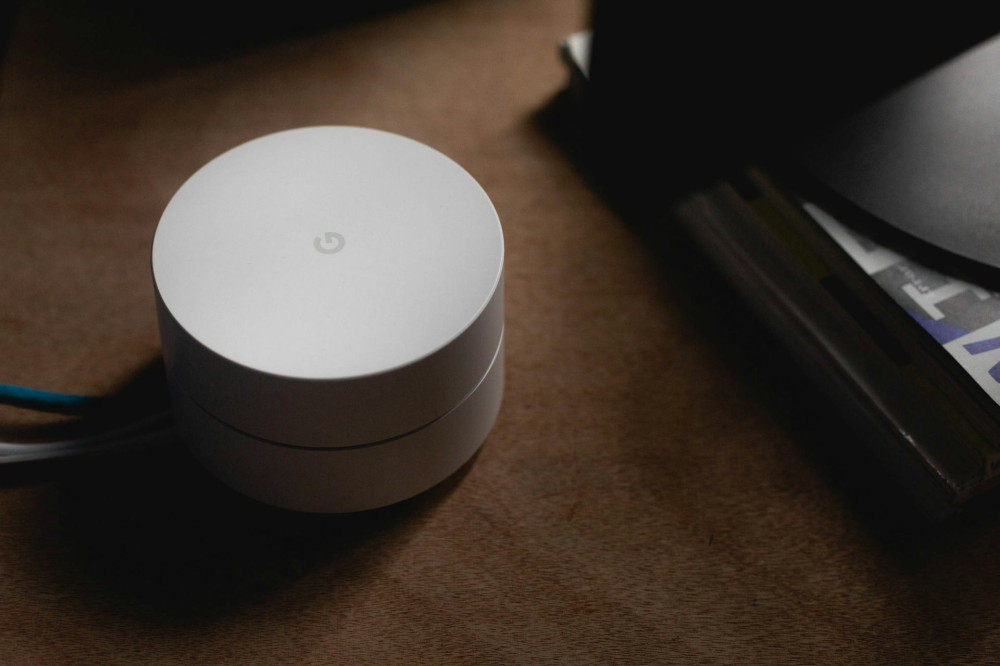
- Consider a mesh Wi-Fi system for larger homes to eliminate dead zones.
- Secure your network with a strong password to prevent unwanted users from slowing it down.
A well-optimized home network can make a noticeable difference — sometimes more than upgrading your plan.
Compare Providers and Plans
The U.S. internet market is competitive, and prices and promotions change frequently. It’s worth comparing providers once a year to see if you can get a better deal or faster speeds for the same price.
When comparing, look beyond the monthly cost:
- Reliability and uptime
- Customer service and technical support
- Flexibility to change speeds or plans without penalties
- Equipment fees and contract terms
A little research can lead to better performance and savings over time.
Læs også:


Make It a Habit to Review Your Internet Plan
Just like you review your insurance or streaming subscriptions, it’s smart to check your internet plan regularly. Test your speed, review your bill, and make sure your plan still matches your family’s needs.
The internet is now a cornerstone of daily life — and as your needs change, your connection should change with them. With a bit of attention and planning, you can ensure your family always enjoys a fast, reliable, and future-ready internet experience.
Læs også: