What Is Wi‑Fi Security – and Why Is It Important to Take It Seriously?

What Is Wi‑Fi Security – and Why Is It Important to Take It Seriously?
Wi‑Fi has become an essential part of everyday life in the United States. We rely on it for everything from streaming movies and working remotely to managing smart home devices. But because so much of our personal and professional lives now depend on wireless connections, protecting your Wi‑Fi network is more important than ever. Wi‑Fi security isn’t just about keeping your internet fast—it’s about safeguarding your data, your identity, and your privacy.
What Does Wi‑Fi Security Mean?
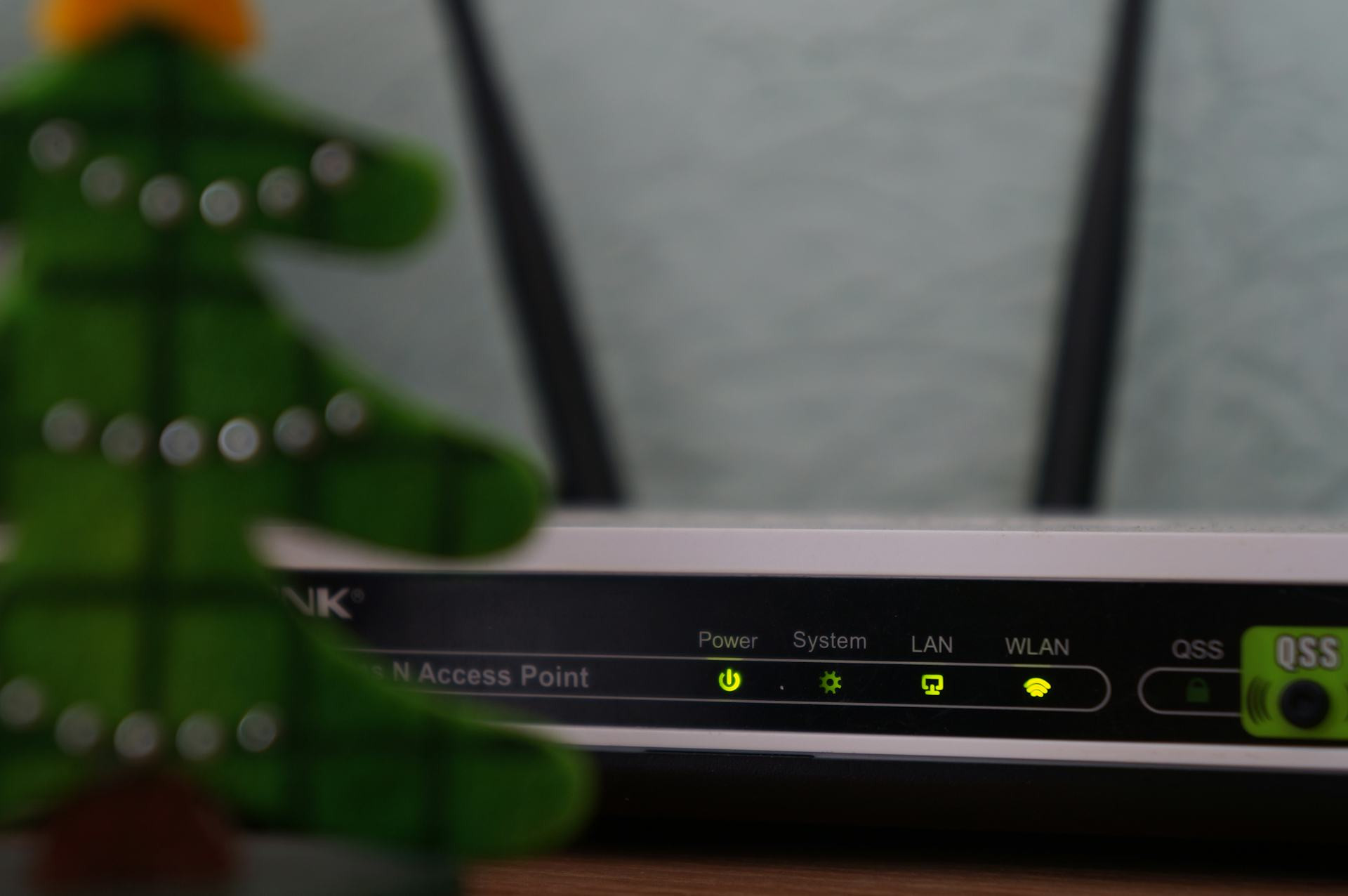
Wi‑Fi security refers to the technical and practical measures that protect your wireless network from unauthorized access or misuse. When you connect to the internet through a router, data travels wirelessly between your devices and the router. Without proper security, outsiders can intercept that data, gain access to your network, or even use it for illegal activities.
The most common security features include:
- WPA2 and WPA3 encryption – modern standards that protect data as it moves between your devices and the router.
- SSID and password protection – your network’s name and the password required to join it. A strong password is your first line of defense.
- Firewall and firmware updates – these help block external attacks and fix known vulnerabilities in your router’s software.
Læs også:

Why Wi‑Fi Security Matters
An unsecured network can have serious consequences. If someone gains access to your Wi‑Fi, they could:
- Steal personal information, such as passwords, banking details, or emails.
- Use your network for illegal activities, which could lead to legal trouble for you as the account holder.
- Take control of smart devices in your home—like cameras, speakers, or thermostats—and use them for spying or cyberattacks.
- Slow down your internet connection by consuming your bandwidth.
In short, Wi‑Fi security is about protecting both your digital and physical safety.
How to Secure Your Wireless Network
The good news is that improving your Wi‑Fi security doesn’t require advanced technical skills. Here are some simple but effective steps:
- Change the default router password. Use a long, unique password with a mix of letters, numbers, and symbols.
- Keep your router’s firmware up to date. Manufacturers regularly release updates that fix security flaws.
- Enable WPA3 encryption if your router supports it—it’s the most secure standard available today.
- Hide your network name (SSID) so it’s not visible to everyone nearby. This makes it harder for outsiders to find your network.
- Set up a guest network for visitors. This allows them to use your internet without accessing your personal devices.
- Disable remote management unless you specifically need to control your router from outside your home.
- Monitor connected devices. Most routers show a list of devices currently on your network—unknown ones could be a red flag.
Wi‑Fi Security in the Age of Smart Homes
American homes are increasingly filled with smart devices—from doorbell cameras to voice assistants. Each of these devices can become a potential entry point for hackers if not properly secured. Make sure every device has the latest software updates and is connected to a secure network. Consider separating your smart home devices from your computers and phones by using a dedicated network.
A Secure Network Brings Peace of Mind
Taking Wi‑Fi security seriously isn’t about being paranoid—it’s about being responsible. A secure network protects not only your data but also your family and your home. With just a few adjustments, you can greatly reduce the risk of cyberattacks and enjoy the internet with confidence.
Technology evolves quickly, and so do the threats that come with it. That’s why it’s wise to review your Wi‑Fi security from time to time—just as you would check your smoke detectors or door locks. A small effort today can make a big difference in keeping your digital life safe.
Læs også: