Keep Your Connection Stable: How to Maintain Your Internet for Working from Home


Keep Your Connection Stable: How to Maintain Your Internet for Working from Home
A reliable internet connection has become essential for working efficiently from home. Video meetings, large file uploads, and cloud-based tools all depend on a connection that doesn’t freeze or drop out mid-conversation. But even the fastest broadband plan can feel unstable if your equipment is outdated or your home network isn’t set up properly. Here’s a guide to keeping your internet connection steady so you can work smoothly from home.
Start by Testing Your Connection
Before making any changes, it’s smart to understand how your connection is performing. Run a speed test—using your internet provider’s website or an independent service like Speedtest.net—to see if you’re getting the speeds you’re paying for.
If you notice big fluctuations, the cause could be anything from household congestion to router issues. Record your results at different times of day; patterns can help you pinpoint the problem.
Place Your Router Strategically
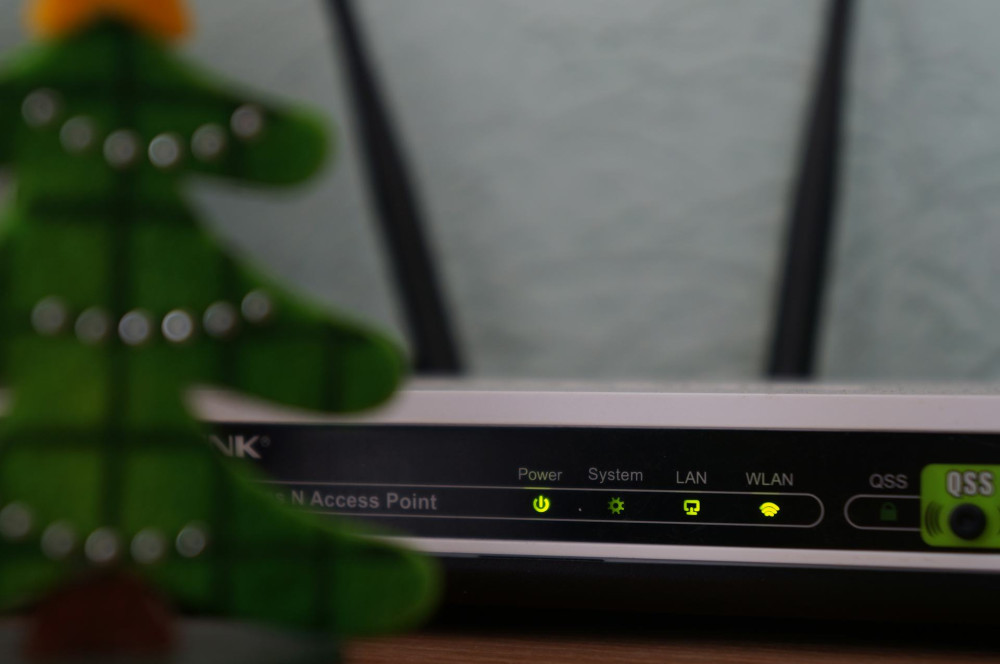
Router placement has a major impact on signal strength. Many people tuck it away in a corner, behind furniture, or near other electronics—but that can weaken the signal significantly.
- Place the router centrally in your home, ideally elevated and unobstructed.
- Avoid obstacles like thick walls, metal objects, and microwaves.
- Keep it away from other wireless devices that can cause interference, such as cordless phones or Bluetooth speakers.
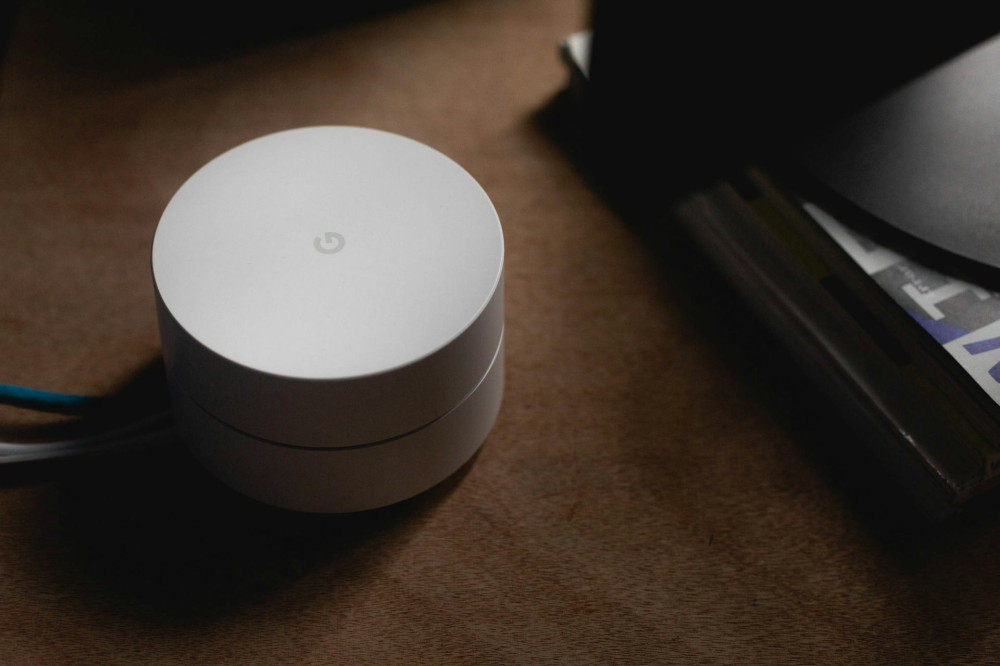
If you live in a larger home, consider investing in a mesh Wi-Fi system to distribute the signal evenly throughout the house.
Læs også:

Keep Your Equipment Updated
Routers and modems, like computers, need updates to perform their best. Check regularly for firmware updates—these can improve speed, stability, and security.
If your router is more than five years old, it might be time for an upgrade. Newer models support faster standards like Wi-Fi 6 or Wi-Fi 6E, which offer better coverage and higher speeds, especially when multiple devices are connected.
Prioritize Your Work Connection
When everyone in the household is online, bandwidth can get stretched thin. If you frequently join video calls or transfer large files, you can prioritize your work device on the network.
Many modern routers include a Quality of Service (QoS) feature that lets you give priority to specific devices or applications. This ensures your work connection stays stable even when others are streaming movies or gaming.
Use a Wired Connection When It Matters
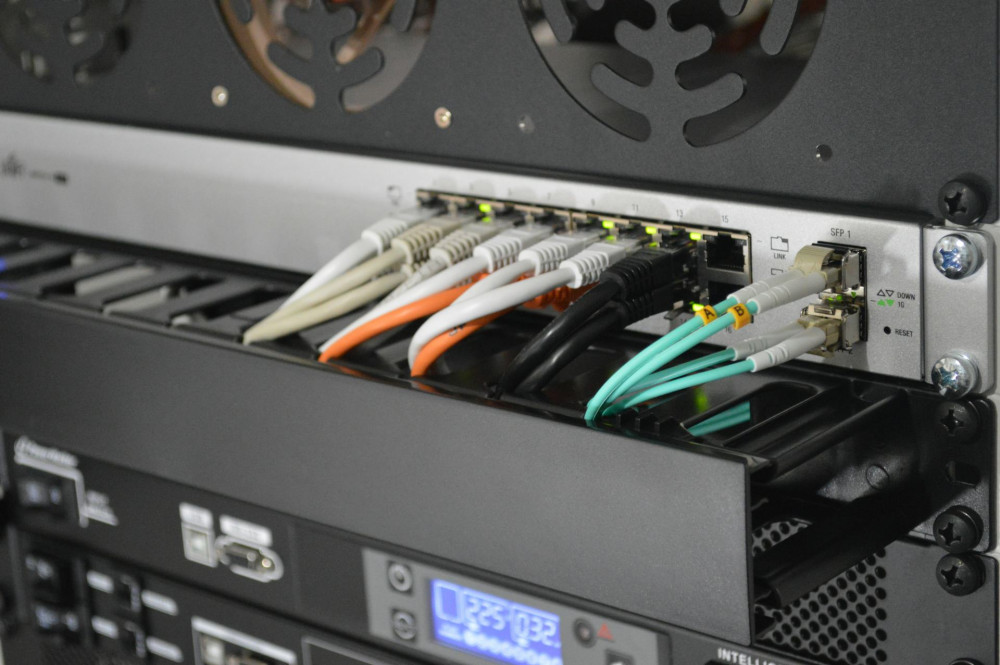
While Wi-Fi is convenient, a wired connection is still the most stable option. If possible, connect your work computer directly to the router with an Ethernet cable. This eliminates wireless interference and ensures maximum speed.
A simple Ethernet cable can make a big difference—especially if your job involves large file transfers or frequent video conferencing.
Keep Your Network Secure
A secure network is also a stable one. Unauthorized users can not only pose a security risk but also slow down your connection. Make sure to:
- Change the default router password.
- Use a strong Wi-Fi password.
- Enable WPA3 encryption if your router supports it.
- Turn off the guest network when it’s not in use.
These small steps protect your data and ensure only trusted devices use your bandwidth.
Restart and Maintain Regularly
Just like computers, routers benefit from an occasional restart. It can clear temporary errors and free up memory. Restarting once a week is often enough to keep things running smoothly.
You can even schedule automatic restarts—many routers have this feature. While you’re at it, keep the area around your router clean and dust-free to prevent overheating.
When Problems Persist
If you’ve tried everything and still experience issues, the problem might be outside your home. Contact your internet service provider (ISP) and share your observations. They can often test your connection remotely, identify line issues, or send a technician if needed.
It’s also possible that your current plan no longer meets your needs. Many ISPs offer flexible upgrades to higher-speed tiers without major cost increases.
A Stable Network Brings Peace of Mind
A well-functioning internet connection isn’t just about technology—it’s about peace of mind. When your connection is stable, you can focus on your work instead of worrying about dropped calls or frozen screens. With a bit of maintenance and attention, your home network can become a reliable partner in your daily routine.
Læs også: