Guest Accounts and User Separation: Simple Steps to Boost Digital Security

Guest Accounts and User Separation: Simple Steps to Boost Digital Security
Sharing a computer, tablet, or smartphone with family, friends, or coworkers often comes from a place of trust and convenience—but it can also open the door to accidental access to personal files, accounts, and data. Fortunately, there are simple ways to protect yourself. One of the most effective is to use guest accounts and separate user profiles. It only takes a few clicks, but it can make a big difference in your digital security.
Why User Separation Matters
Many households still rely on a single shared account for everyone’s use, or they hand over their phone without restrictions. It may seem practical, but it also means everyone has access to the same files, browser history, and saved passwords. If someone accidentally changes settings, deletes documents, or installs unwanted software, it can affect the entire system.
User separation is about creating digital boundaries—just like we do in the physical world. Each person gets their own space with their own files, apps, and preferences. This protects both privacy and device stability.
Guest Accounts – The Quick Fix
Most operating systems include a guest account feature, perfect for when someone only needs temporary access. A guest account allows basic use—like browsing the web or opening standard apps—without giving access to your personal files or system settings.
- On Windows: Go to Settings → Accounts → Family & other users to add a local guest account.
- On macOS: Open System Settings → Users & Groups → Guest User to enable guest access.
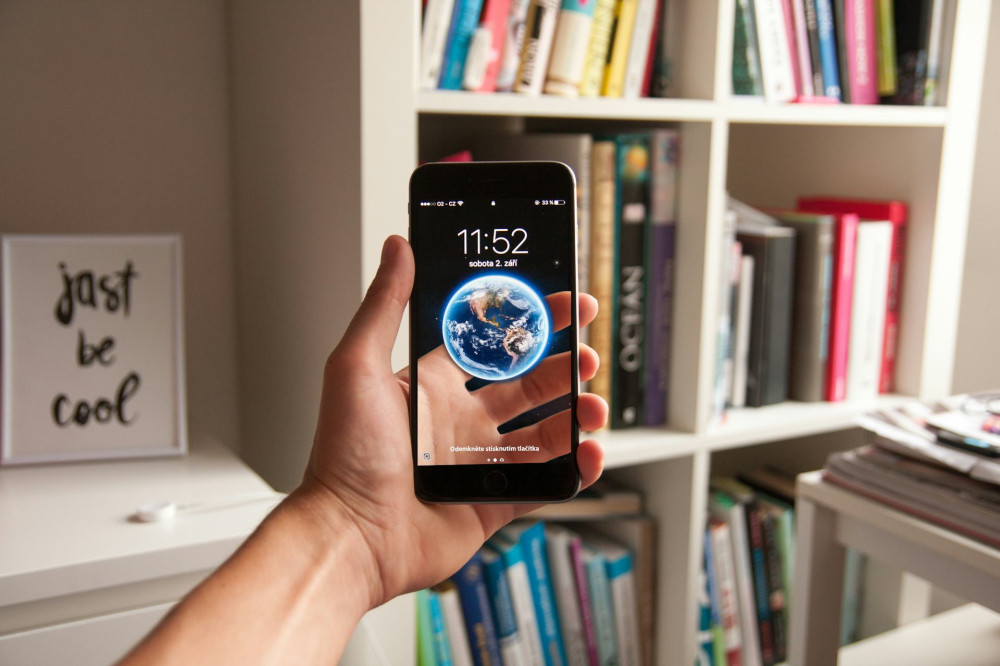
- On Android and iOS: Use Guest Mode or Screen Time restrictions to control what others can do.
When the guest logs out, temporary data is usually deleted automatically—an extra layer of protection to keep your information private.
Separate User Accounts for Everyday Use
If multiple people regularly use the same computer, it’s better to create separate user accounts instead of sharing one. Each person gets their own desktop, documents folder, and browser profile. As the administrator, you can control who can install software or change system settings.
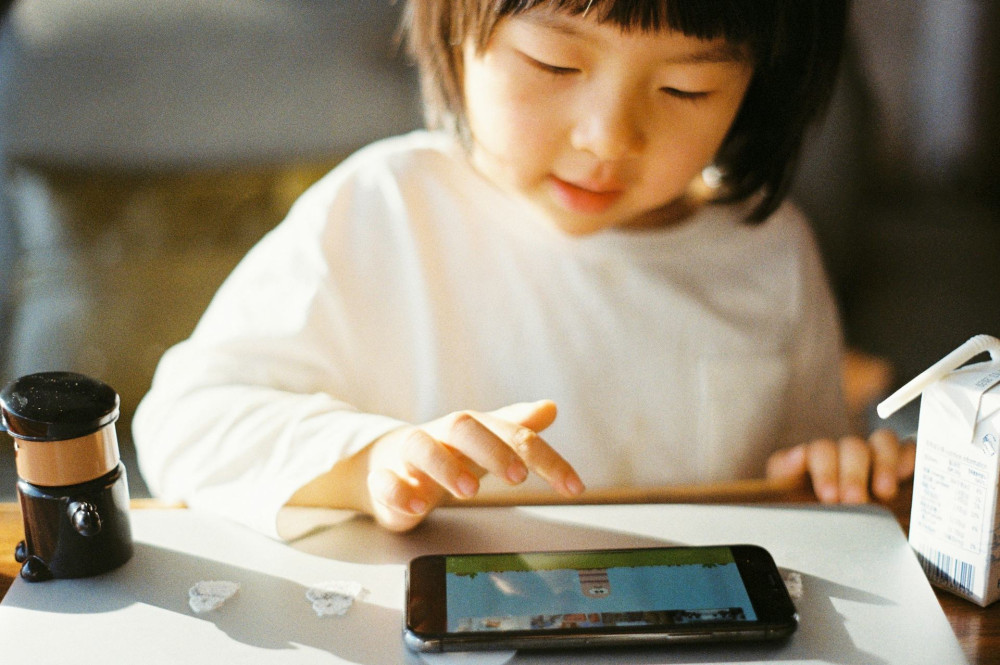
For children, you can add parental controls to limit screen time, block inappropriate content, and monitor usage. This helps create a safer and more structured digital environment.
Læs også:

Keep Work and Personal Life Apart
User separation isn’t just for families and guests—it’s also for you. Many people use the same computer for both work and personal activities, but that can create security risks. By maintaining a separate account for work, you prevent personal files from mixing with professional documents and reduce the chance that a personal download could compromise your work system.
If you work from home, consider using different browser profiles or virtual desktops as well. This helps you stay focused and keeps sensitive data better protected.
Getting Started
- Identify who uses the device. Is it just you, or do others share it?
- Create separate accounts. Give each user their own login and password.
- Enable the guest account. Use it for short-term access.
- Limit permissions. Only administrators should be able to install software.
- Keep your system updated. Security updates protect all users.
It only takes a few minutes to set up, but it can save you from major headaches later.
A Small Effort with Big Results
Using guest accounts and separating users is one of the simplest yet most effective ways to strengthen your digital security. It’s not about distrust—it’s about being smart. Just as you lock your front door even when you trust your neighbors, setting clear digital boundaries protects your data, your devices, and your peace of mind.
Læs også: